How to Properly Track Time for CCM in 2026
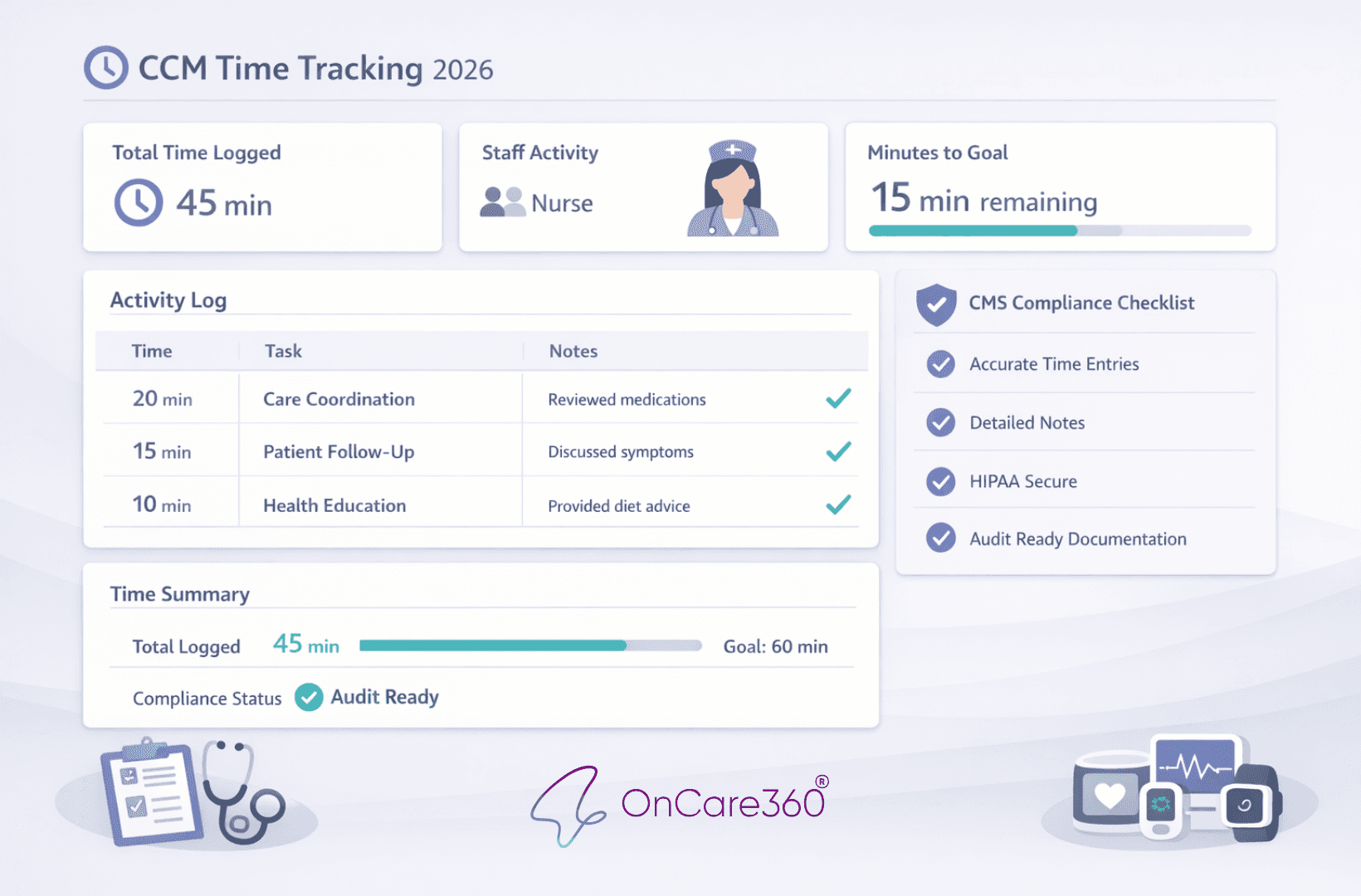
OnCare360
Dec 14, 2025
Chronic Care Management (CCM) is a Medicare program reimbursing providers for non-face-to-face care coordination for patients with two or more chronic conditions. Accurate time tracking is critical to comply with CMS regulations, avoid claim denials, and ensure proper reimbursement. With tightened documentation requirements for 2026, practices must log exact minutes, detailed activity descriptions, and staff attribution for audit readiness. This guide outlines compliance standards, common pitfalls, and tools like OnCare360 to streamline workflows, improve accuracy, and meet Medicare's stringent audit expectations.
CMS Time Tracking Requirements for CCM in 2026
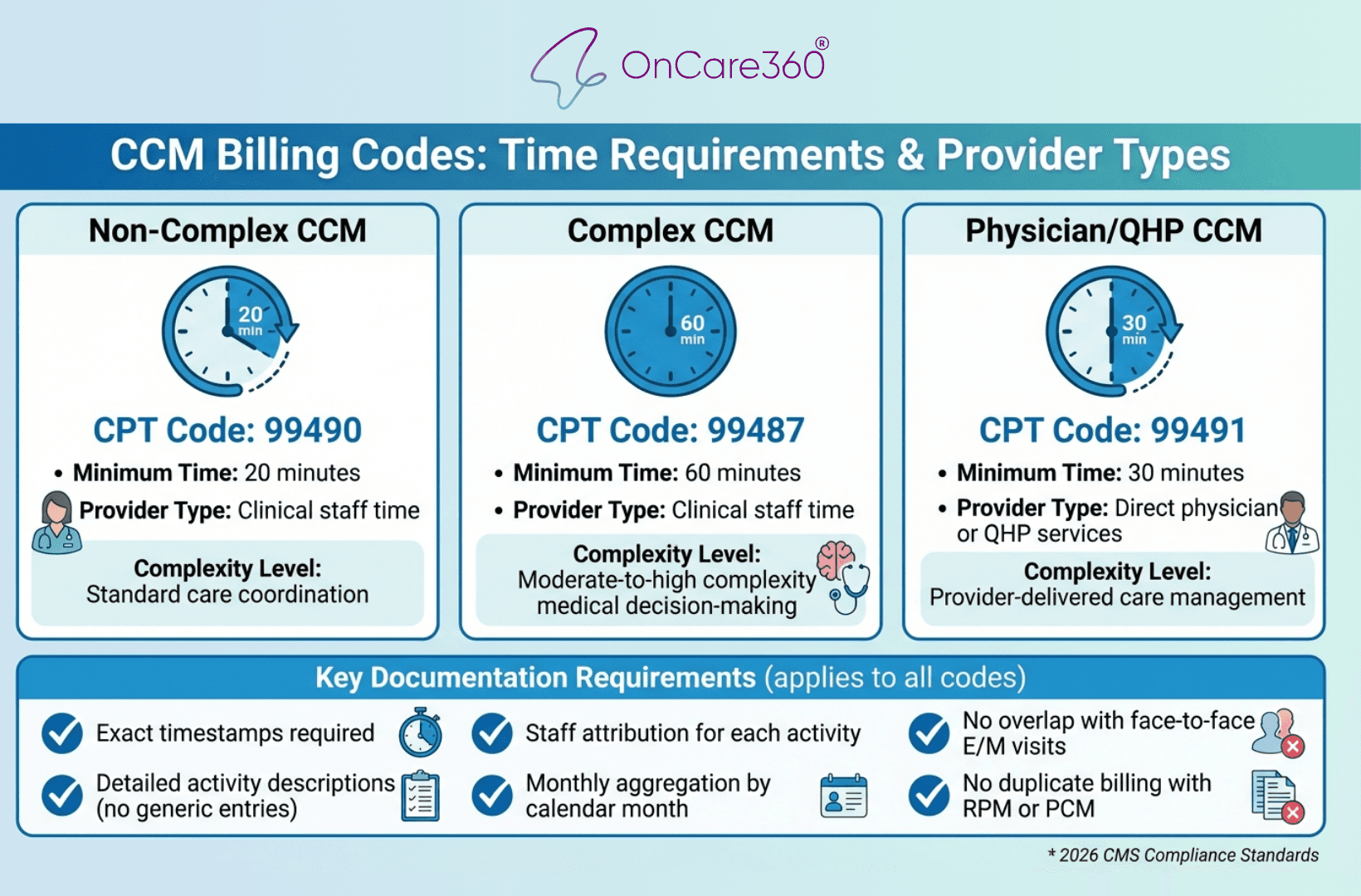
CCM CPT Codes Time Requirements and Reimbursement Guide 2026
The Centers for Medicare & Medicaid Services (CMS) emphasizes the importance of precise documentation for all non-face-to-face time spent on Chronic Care Management (CCM) activities. Providers must track this time monthly, detailing both the exact duration and a clear description of each activity. Only one physician or Qualified Healthcare Professional (QHP) can bill for CCM services for a single patient in any calendar month, as they assume the care management role.
Providers are required to secure verbal consent from patients before initiating CCM services, though written consent is preferred. Patients must also be informed of their right to opt out at any time. Additionally, CMS mandates that providers supply a comprehensive digital care plan to patients. This care plan should include an assessment, a problem list, treatment goals, and details on medication management.
Recent Changes in CMS Rules
As of 2026, CMS has tightened its documentation requirements, demanding audit-ready records for CCM compliance. The billing structure remains tied to the type of provider and the complexity of care, with specific time thresholds determining the applicable CPT codes:
Non-complex CCM (CPT 99490): Requires at least 20 minutes of clinical staff time.
Complex CCM (CPT 99487): Requires 60 minutes of clinical staff time, involving moderate-to-high complexity medical decision-making.
Physician/QHP CCM (CPT 99491): Requires at least 30 minutes of direct CCM services provided by the physician or QHP.
Every minute billed must be logged individually, with timestamps and detailed descriptions of the activity. Generic entries like "patient follow-up" are not acceptable. Instead, documentation should specify activities such as "15-minute phone call with patient to discuss medication adherence and side effects" or "12 minutes coordinating with cardiologist’s office about recent test results." These updates aim to standardize and streamline compliance for time tracking.
Activities That Count vs. Activities That Don't
Billable CCM activities include:
Communication with patients through phone calls or emails
Coordination with other clinicians or healthcare facilities
Prescription management and medication reconciliation
Scheduling appointments or lab tests
Follow-up care coordination after hospital discharge
Providing medication guidance and health education
Developing or revising the comprehensive digital care plan
It’s important to note that face-to-face visits are excluded from CCM time tracking, as they are billed separately under Evaluation and Management (E/M) codes. CCM focuses exclusively on non-face-to-face care that occurs between office visits. Administrative tasks like filing paperwork or updating insurance details do not qualify as billable time. Additionally, duplicate billing is prohibited - if another provider has already billed CCM for a patient in a given month, you cannot bill for that same patient during the same period.
"Only the physician or other qualified healthcare provider who assumes the care management role of a patient can bill in any given calendar month, so there shouldn't be an overlap." - Renee Dustman, AAPC
How to Track CCM Time: A Step-by-Step Process
Tracking time accurately for Chronic Care Management (CCM) is essential for meeting compliance standards and ensuring proper billing. This process requires precise tools, detailed logs, and correct monthly aggregation. Each recorded minute must include the date, duration, staff member’s name, and a clear description of the service provided. Following a structured approach helps practices remain audit-ready while meeting the minimum time thresholds for billing codes like 99490 (20 minutes) or 99491 (30 minutes).
Use EHR-Integrated or Dedicated CCM Tracking Tools
Leveraging technology can significantly reduce errors in time tracking. EHR-integrated tools allow clinical staff to start and stop timers directly within a patient’s record, automatically capturing the exact time spent on each activity. This centralizes documentation, making it easier for the care team to access real-time updates without switching between systems. With bi-directional integration, care plans, consent forms, and time logs are automatically synced to the patient’s chart, ensuring billing documentation is triggered when time thresholds are met. Additionally, automated reminders help complete monthly outreach, minimizing the risk of missed billing opportunities.
How to Log Time and Document Activities
Each CCM entry must include four key components: the duration in minutes, the date of the activity, the name of the staff member involved, and a detailed description of the service provided. Avoid vague descriptions - specificity is crucial. Using digital timers that sync with your EHR ensures accurate, real-time recording, eliminating the need to reconstruct logs at the end of the month. This method not only reduces errors but also aligns with Medicare’s requirement for precise and audit-ready documentation.
Aggregate Monthly Time Without Double-Counting
Once individual activities are logged, it’s important to calculate monthly totals accurately. CCM billing operates on a calendar month cycle, meaning all time must be aggregated for the month in which services were provided. A critical compliance rule is that time logged for CCM cannot overlap with time used for Remote Patient Monitoring (RPM), Principal Care Management (PCM), or other time-based billing codes during the same minutes. Maintaining separate logs for each program prevents double-counting. Automated compliance tools can help identify potential overlaps and generate billing summaries tailored to each CPT code, showing exactly which activities qualify. Conduct monthly audits to ensure documentation accuracy and avoid duplicate entries.
How OnCare360 Simplifies CCM Time Tracking
OnCare360 tackles the challenges of manual time tracking with an automated system that ensures compliance while boosting efficiency. The platform automatically logs all activity details, meeting the stricter 2026 CMS standards that demand precise clinical context for every patient interaction. By eliminating the need for manual log reconstruction, it ensures practices are always audit-ready.
Let’s explore how its automated features streamline compliance and workflows further.
Automated Compliance and Audit-Ready Logs
With OnCare360, all documentation required for CMS audits is captured and stored automatically, removing the need for extra manual effort. Each patient interaction is logged with detailed, timestamped records that include staff names and specific clinical context. This eliminates vague entries like "monthly check-in", which no longer meet the 2026 CMS requirements. The platform also separates Chronic Care Management (CCM) from Principal Care Management (PCM) activities, avoiding duplicate billing for the same time or tasks within a single month. This system aligns with CMS's shift from relying on the "honor system" to requiring verifiable documentation, including on-call schedules and response time logs for 24/7 care team availability.
Beyond compliance, AI-driven tools take workflow optimization to the next level.
AI-Assisted Workflow and Time Capture
OnCare360 integrates AI to provide prioritization cues, risk indicators, and documentation suggestions, supporting clinicians in making care decisions and interventions. This AI-guided approach enables smaller teams to manage larger patient populations effectively without compromising care quality. The system identifies patients needing immediate attention and offers recommendations for the next steps based on real-time patient data. Additionally, digital timers are directly synced with patient care plans, ensuring precise time tracking. The platform supports new 2026 interaction thresholds, such as the 10–19 minute engagement standard (CPT 99XX5), aligning with clinical workflows for accurate billing of shorter yet meaningful patient interactions.
Ready-to-File Monthly Billing Reports
OnCare360 simplifies billing with monthly reports that consolidate all documented time logs, including the date of service, staff attribution, and specific minutes spent on care coordination. These reports comply with Medicare’s requirement to align documentation with the calendar month of service. Pre-billing validation ensures that all ten CMS-mandated service elements are documented and cross-checked before claims submission, significantly reducing the risk of denials. The reports also differentiate CCM and PCM activities to avoid billing conflicts and include detailed reimbursement breakdowns for each CPT code. This streamlined process minimizes administrative burdens for practices and revenue cycle teams, improving claim accuracy and accelerating revenue collection.
Common CCM Time Tracking Mistakes and How to Fix Them
Accurate time tracking is critical for Chronic Care Management (CCM), but even seasoned teams can stumble into common pitfalls. These missteps - like miscategorizing activities, incomplete documentation, or sticking to manual processes - can lead to audits, claim denials, or lost revenue. By recognizing these issues and applying practical solutions, practices can stay compliant and optimize reimbursement.
Incorrectly Categorizing Activities
Properly categorizing activities is essential to avoid billing errors. A frequent mistake is double-counting shared discussion time. For example, if two clinical staff members discuss a patient case for 10 minutes, it should count as 10 minutes of billable time, not 20. As Dr. Samuel "Le" Church, MD, MPH, CPC, CRC, CPC-I, FAAFP, clarifies:
"A 10-minute discussion about a case between two clinical staff members constitutes 10 minutes of time, not 20 minutes." Another issue arises when teams combine clinical staff time with provider-only time. Clinical staff time cannot be billed under provider-specific codes like CPT 99491, although provider time can occasionally count toward clinical staff codes like CPT 99490. Additionally, some teams mistakenly include non-clinical administrative staff in their logs. Only clinical staff, such as medical assistants, licensed practical nurses, or registered nurses, or qualified healthcare professionals, can contribute to billable CCM minutes.
Overlapping services also pose challenges. Time spent on face-to-face office visits or overlapping activities, such as Evaluation and Management (E/M) services, cannot be billed as CCM. Similarly, minutes used for Remote Patient Monitoring (RPM) or Principal Care Management (PCM) must be distinct and documented separately. To address these issues, train your team to differentiate between clinical and administrative tasks and maintain separate logs for patients enrolled in multiple care management programs.
Missing or Inconsistent Documentation
Incomplete or inconsistent records can trigger audit failures. Medicare frequently reviews CCM billing, and unclear documentation can lead to claim denials or even recoupment of funds. One common error is rounding time estimates. Medicare requires precise minute tracking, not rounded figures like rounding 18 minutes up to 20. Kim Turner from BlueFish Medical stresses:
"Medicare requires exact minute tracking, not rounded estimates."
Another frequent gap is missing staff attribution. Documentation must include detailed minutes, the staff member responsible for the activity, and proof of patient consent to meet Medicare’s standards. Without these details, records may not hold up during an audit. Similarly, failing to document consent - whether verbal or written - can invalidate claims. Always ensure patient consent is recorded in the EHR before billing for CCM.
To mitigate these risks, standardize documentation practices. Ensure that all interventions - whether it's medication reconciliation, care coordination calls, or patient education - are logged in the EHR with exact timestamps. Conduct internal audits monthly to confirm care plans are updated and time attribution is accurate before submitting claims. This proactive approach helps catch errors early, reducing the risk of compliance issues. Manual tracking methods often exacerbate these documentation challenges.
Not Using Available Technology
Relying on manual tracking is both time-consuming and prone to errors. As Dr. Samuel "Le" Church, MD, MPH, CPC, CRC, CPC-I, FAAFP, points out:
"Manual time tracking takes too much admin time. Always use a third-party application."
Manual workflows increase the likelihood of mistakes, such as "double-dipping" where the same minutes are billed for both CCM and another service. Even when CCM services are outsourced, the billing provider is legally responsible for ensuring complete and accurate documentation.
Automated platforms can streamline the process, cutting documentation time by over 40% while improving accuracy. These tools generate audit-ready packets, including consent logs, care plan updates, and service records, which are essential for compliance. Additionally, digital tools can perform automated eligibility checks to prevent billing conflicts, such as submitting CCM and PCM claims for the same patient in the same month. By adopting platforms like OnCare360, practices can reduce manual entry errors, ensure real-time tracking of exact minutes, and meet Medicare’s stringent documentation requirements.
Conclusion
Effective time tracking for Chronic Care Management (CCM) requires more than just meeting the 20-minute minimum threshold. To ensure compliance and optimize reimbursement, practices must adopt a structured program that tracks exact minutes, attributes tasks to specific staff members, and avoids rounding or estimates. Proper documentation should also distinctly separate CCM activities from overlapping services like Remote Patient Monitoring (RPM) or Principal Care Management (PCM). These practices form the backbone of accurate billing and improved patient care.
Medicare's focus on auditing CCM claims underscores the importance of precise documentation. With over 90% of Medicare spending attributed to beneficiaries with chronic conditions, the stakes for compliance are high. Avoiding common pitfalls, as outlined earlier, is essential for success.
Given these stringent requirements, manual tracking methods often fall short. Automated platforms offer a reliable alternative, delivering the precision and detailed documentation that CMS mandates.
OnCare360 provides a solution tailored to meet these needs. Its platform ensures accurate minute-by-minute tracking, streamlines compliance with a centralized checklist, and generates ready-to-file billing reports. By automating eligibility checks and simplifying administrative workflows, OnCare360 helps practices confidently meet CMS standards while maintaining the integrity of their CCM programs.
FAQs
What updates has CMS made to CCM documentation requirements for 2026?
In 2026, CMS updated the Chronic Care Management (CCM) documentation requirements, introducing revisions to service definitions, supervision protocols, patient consent procedures, and the role of electronic health records (EHR) in tracking and reporting. A key focus of these updates is the creation and maintenance of a detailed care plan that adheres to Advanced Primary Care Management (APCM) standards.
To ensure compliance, your documentation should align with these updated guidelines, accurately track time, and include proper patient consent. Regularly consulting CMS resources and guidelines is essential to avoid errors and maintain audit readiness.
What’s the best way to ensure accurate time tracking for CCM compliance?
To maintain precise time tracking for Chronic Care Management (CCM) and comply with CMS requirements, practices should utilize EHR-integrated timers or specialized CCM tools. Clinical staff can activate the timer when starting a qualifying task - such as reviewing test results, updating care plans, or conducting patient calls - and stop it upon completion. These timestamps should automatically log into the patient’s chart, creating a clear and auditable record of total minutes for billing purposes. CMS mandates a minimum of 20 minutes of clinical staff time per patient per month, with only time recorded by qualified staff contributing to this requirement.
Accurate documentation is equally crucial. Each entry should detail the activity performed, the staff member involved, and the time spent (e.g., "03/15/2026 8:12 AM – 8:27 AM: Phone call to review medication changes – 15 min"). This level of detail ensures audit readiness and supports accurate billing for the $43 per patient per month reimbursement. To further safeguard compliance and reduce billing errors, practices should conduct regular internal reviews, such as generating monthly reports and performing spot checks to identify and address any discrepancies.
What activities can be billed under CCM, and what should not be included?
Billable Chronic Care Management (CCM) activities encompass non-face-to-face care coordination services provided by qualified health professionals for Medicare patients managing two or more chronic conditions that carry significant health risks. These services include creating and maintaining a comprehensive care plan, performing medication reconciliation, offering 24/7 clinical advice, communicating with patients or their caregivers, coordinating with other healthcare providers, and managing laboratory or diagnostic test orders. To meet billing requirements, the time spent on these tasks must align with the minimum thresholds for the appropriate CPT codes, such as 99490, which requires at least 20 minutes of work per month.
Certain activities are excluded from CCM billing. These include face-to-face services billed under separate codes, tasks reimbursed through other Medicare codes, time spent by non-clinical staff, and any work performed for patients who don't meet CCM eligibility standards. Additionally, general administrative duties like billing or scheduling cannot be included. Proper documentation and adherence to eligible activities are essential for maintaining compliance and ensuring audit readiness.
CCM CPT Codes Time Requirements and Reimbursement Guide 2026
The Centers for Medicare & Medicaid Services (CMS) emphasizes the importance of precise documentation for all non-face-to-face time spent on Chronic Care Management (CCM) activities. Providers must track this time monthly, detailing both the exact duration and a clear description of each activity. Only one physician or Qualified Healthcare Professional (QHP) can bill for CCM services for a single patient in any calendar month, as they assume the care management role.
Providers are required to secure verbal consent from patients before initiating CCM services, though written consent is preferred. Patients must also be informed of their right to opt out at any time. Additionally, CMS mandates that providers supply a comprehensive digital care plan to patients. This care plan should include an assessment, a problem list, treatment goals, and details on medication management.
Recent Changes in CMS Rules
As of 2026, CMS has tightened its documentation requirements, demanding audit-ready records for CCM compliance. The billing structure remains tied to the type of provider and the complexity of care, with specific time thresholds determining the applicable CPT codes:
Non-complex CCM (CPT 99490): Requires at least 20 minutes of clinical staff time.
Complex CCM (CPT 99487): Requires 60 minutes of clinical staff time, involving moderate-to-high complexity medical decision-making.
Physician/QHP CCM (CPT 99491): Requires at least 30 minutes of direct CCM services provided by the physician or QHP.
Every minute billed must be logged individually, with timestamps and detailed descriptions of the activity. Generic entries like "patient follow-up" are not acceptable. Instead, documentation should specify activities such as "15-minute phone call with patient to discuss medication adherence and side effects" or "12 minutes coordinating with cardiologist’s office about recent test results." These updates aim to standardize and streamline compliance for time tracking.
Activities That Count vs. Activities That Don't
Billable CCM activities include:
Communication with patients through phone calls or emails
Coordination with other clinicians or healthcare facilities
Prescription management and medication reconciliation
Scheduling appointments or lab tests
Follow-up care coordination after hospital discharge
Providing medication guidance and health education
Developing or revising the comprehensive digital care plan
It’s important to note that face-to-face visits are excluded from CCM time tracking, as they are billed separately under Evaluation and Management (E/M) codes. CCM focuses exclusively on non-face-to-face care that occurs between office visits. Administrative tasks like filing paperwork or updating insurance details do not qualify as billable time. Additionally, duplicate billing is prohibited - if another provider has already billed CCM for a patient in a given month, you cannot bill for that same patient during the same period.
"Only the physician or other qualified healthcare provider who assumes the care management role of a patient can bill in any given calendar month, so there shouldn't be an overlap." - Renee Dustman, AAPC
How to Track CCM Time: A Step-by-Step Process
Tracking time accurately for Chronic Care Management (CCM) is essential for meeting compliance standards and ensuring proper billing. This process requires precise tools, detailed logs, and correct monthly aggregation. Each recorded minute must include the date, duration, staff member’s name, and a clear description of the service provided. Following a structured approach helps practices remain audit-ready while meeting the minimum time thresholds for billing codes like 99490 (20 minutes) or 99491 (30 minutes).
Use EHR-Integrated or Dedicated CCM Tracking Tools
Leveraging technology can significantly reduce errors in time tracking. EHR-integrated tools allow clinical staff to start and stop timers directly within a patient’s record, automatically capturing the exact time spent on each activity. This centralizes documentation, making it easier for the care team to access real-time updates without switching between systems. With bi-directional integration, care plans, consent forms, and time logs are automatically synced to the patient’s chart, ensuring billing documentation is triggered when time thresholds are met. Additionally, automated reminders help complete monthly outreach, minimizing the risk of missed billing opportunities.
How to Log Time and Document Activities
Each CCM entry must include four key components: the duration in minutes, the date of the activity, the name of the staff member involved, and a detailed description of the service provided. Avoid vague descriptions - specificity is crucial. Using digital timers that sync with your EHR ensures accurate, real-time recording, eliminating the need to reconstruct logs at the end of the month. This method not only reduces errors but also aligns with Medicare’s requirement for precise and audit-ready documentation.
Aggregate Monthly Time Without Double-Counting
Once individual activities are logged, it’s important to calculate monthly totals accurately. CCM billing operates on a calendar month cycle, meaning all time must be aggregated for the month in which services were provided. A critical compliance rule is that time logged for CCM cannot overlap with time used for Remote Patient Monitoring (RPM), Principal Care Management (PCM), or other time-based billing codes during the same minutes. Maintaining separate logs for each program prevents double-counting. Automated compliance tools can help identify potential overlaps and generate billing summaries tailored to each CPT code, showing exactly which activities qualify. Conduct monthly audits to ensure documentation accuracy and avoid duplicate entries.
How OnCare360 Simplifies CCM Time Tracking
OnCare360 tackles the challenges of manual time tracking with an automated system that ensures compliance while boosting efficiency. The platform automatically logs all activity details, meeting the stricter 2026 CMS standards that demand precise clinical context for every patient interaction. By eliminating the need for manual log reconstruction, it ensures practices are always audit-ready.
Let’s explore how its automated features streamline compliance and workflows further.
Automated Compliance and Audit-Ready Logs
With OnCare360, all documentation required for CMS audits is captured and stored automatically, removing the need for extra manual effort. Each patient interaction is logged with detailed, timestamped records that include staff names and specific clinical context. This eliminates vague entries like "monthly check-in", which no longer meet the 2026 CMS requirements. The platform also separates Chronic Care Management (CCM) from Principal Care Management (PCM) activities, avoiding duplicate billing for the same time or tasks within a single month. This system aligns with CMS's shift from relying on the "honor system" to requiring verifiable documentation, including on-call schedules and response time logs for 24/7 care team availability.
Beyond compliance, AI-driven tools take workflow optimization to the next level.
AI-Assisted Workflow and Time Capture
OnCare360 integrates AI to provide prioritization cues, risk indicators, and documentation suggestions, supporting clinicians in making care decisions and interventions. This AI-guided approach enables smaller teams to manage larger patient populations effectively without compromising care quality. The system identifies patients needing immediate attention and offers recommendations for the next steps based on real-time patient data. Additionally, digital timers are directly synced with patient care plans, ensuring precise time tracking. The platform supports new 2026 interaction thresholds, such as the 10–19 minute engagement standard (CPT 99XX5), aligning with clinical workflows for accurate billing of shorter yet meaningful patient interactions.
Ready-to-File Monthly Billing Reports
OnCare360 simplifies billing with monthly reports that consolidate all documented time logs, including the date of service, staff attribution, and specific minutes spent on care coordination. These reports comply with Medicare’s requirement to align documentation with the calendar month of service. Pre-billing validation ensures that all ten CMS-mandated service elements are documented and cross-checked before claims submission, significantly reducing the risk of denials. The reports also differentiate CCM and PCM activities to avoid billing conflicts and include detailed reimbursement breakdowns for each CPT code. This streamlined process minimizes administrative burdens for practices and revenue cycle teams, improving claim accuracy and accelerating revenue collection.
Common CCM Time Tracking Mistakes and How to Fix Them
Accurate time tracking is critical for Chronic Care Management (CCM), but even seasoned teams can stumble into common pitfalls. These missteps - like miscategorizing activities, incomplete documentation, or sticking to manual processes - can lead to audits, claim denials, or lost revenue. By recognizing these issues and applying practical solutions, practices can stay compliant and optimize reimbursement.
Incorrectly Categorizing Activities
Properly categorizing activities is essential to avoid billing errors. A frequent mistake is double-counting shared discussion time. For example, if two clinical staff members discuss a patient case for 10 minutes, it should count as 10 minutes of billable time, not 20. As Dr. Samuel "Le" Church, MD, MPH, CPC, CRC, CPC-I, FAAFP, clarifies:
"A 10-minute discussion about a case between two clinical staff members constitutes 10 minutes of time, not 20 minutes." Another issue arises when teams combine clinical staff time with provider-only time. Clinical staff time cannot be billed under provider-specific codes like CPT 99491, although provider time can occasionally count toward clinical staff codes like CPT 99490. Additionally, some teams mistakenly include non-clinical administrative staff in their logs. Only clinical staff, such as medical assistants, licensed practical nurses, or registered nurses, or qualified healthcare professionals, can contribute to billable CCM minutes.
Overlapping services also pose challenges. Time spent on face-to-face office visits or overlapping activities, such as Evaluation and Management (E/M) services, cannot be billed as CCM. Similarly, minutes used for Remote Patient Monitoring (RPM) or Principal Care Management (PCM) must be distinct and documented separately. To address these issues, train your team to differentiate between clinical and administrative tasks and maintain separate logs for patients enrolled in multiple care management programs.
Missing or Inconsistent Documentation
Incomplete or inconsistent records can trigger audit failures. Medicare frequently reviews CCM billing, and unclear documentation can lead to claim denials or even recoupment of funds. One common error is rounding time estimates. Medicare requires precise minute tracking, not rounded figures like rounding 18 minutes up to 20. Kim Turner from BlueFish Medical stresses:
"Medicare requires exact minute tracking, not rounded estimates."
Another frequent gap is missing staff attribution. Documentation must include detailed minutes, the staff member responsible for the activity, and proof of patient consent to meet Medicare’s standards. Without these details, records may not hold up during an audit. Similarly, failing to document consent - whether verbal or written - can invalidate claims. Always ensure patient consent is recorded in the EHR before billing for CCM.
To mitigate these risks, standardize documentation practices. Ensure that all interventions - whether it's medication reconciliation, care coordination calls, or patient education - are logged in the EHR with exact timestamps. Conduct internal audits monthly to confirm care plans are updated and time attribution is accurate before submitting claims. This proactive approach helps catch errors early, reducing the risk of compliance issues. Manual tracking methods often exacerbate these documentation challenges.
Not Using Available Technology
Relying on manual tracking is both time-consuming and prone to errors. As Dr. Samuel "Le" Church, MD, MPH, CPC, CRC, CPC-I, FAAFP, points out:
"Manual time tracking takes too much admin time. Always use a third-party application."
Manual workflows increase the likelihood of mistakes, such as "double-dipping" where the same minutes are billed for both CCM and another service. Even when CCM services are outsourced, the billing provider is legally responsible for ensuring complete and accurate documentation.
Automated platforms can streamline the process, cutting documentation time by over 40% while improving accuracy. These tools generate audit-ready packets, including consent logs, care plan updates, and service records, which are essential for compliance. Additionally, digital tools can perform automated eligibility checks to prevent billing conflicts, such as submitting CCM and PCM claims for the same patient in the same month. By adopting platforms like OnCare360, practices can reduce manual entry errors, ensure real-time tracking of exact minutes, and meet Medicare’s stringent documentation requirements.
Conclusion
Effective time tracking for Chronic Care Management (CCM) requires more than just meeting the 20-minute minimum threshold. To ensure compliance and optimize reimbursement, practices must adopt a structured program that tracks exact minutes, attributes tasks to specific staff members, and avoids rounding or estimates. Proper documentation should also distinctly separate CCM activities from overlapping services like Remote Patient Monitoring (RPM) or Principal Care Management (PCM). These practices form the backbone of accurate billing and improved patient care.
Medicare's focus on auditing CCM claims underscores the importance of precise documentation. With over 90% of Medicare spending attributed to beneficiaries with chronic conditions, the stakes for compliance are high. Avoiding common pitfalls, as outlined earlier, is essential for success.
Given these stringent requirements, manual tracking methods often fall short. Automated platforms offer a reliable alternative, delivering the precision and detailed documentation that CMS mandates.
OnCare360 provides a solution tailored to meet these needs. Its platform ensures accurate minute-by-minute tracking, streamlines compliance with a centralized checklist, and generates ready-to-file billing reports. By automating eligibility checks and simplifying administrative workflows, OnCare360 helps practices confidently meet CMS standards while maintaining the integrity of their CCM programs.
FAQs
What updates has CMS made to CCM documentation requirements for 2026?
In 2026, CMS updated the Chronic Care Management (CCM) documentation requirements, introducing revisions to service definitions, supervision protocols, patient consent procedures, and the role of electronic health records (EHR) in tracking and reporting. A key focus of these updates is the creation and maintenance of a detailed care plan that adheres to Advanced Primary Care Management (APCM) standards.
To ensure compliance, your documentation should align with these updated guidelines, accurately track time, and include proper patient consent. Regularly consulting CMS resources and guidelines is essential to avoid errors and maintain audit readiness.
What’s the best way to ensure accurate time tracking for CCM compliance?
To maintain precise time tracking for Chronic Care Management (CCM) and comply with CMS requirements, practices should utilize EHR-integrated timers or specialized CCM tools. Clinical staff can activate the timer when starting a qualifying task - such as reviewing test results, updating care plans, or conducting patient calls - and stop it upon completion. These timestamps should automatically log into the patient’s chart, creating a clear and auditable record of total minutes for billing purposes. CMS mandates a minimum of 20 minutes of clinical staff time per patient per month, with only time recorded by qualified staff contributing to this requirement.
Accurate documentation is equally crucial. Each entry should detail the activity performed, the staff member involved, and the time spent (e.g., "03/15/2026 8:12 AM – 8:27 AM: Phone call to review medication changes – 15 min"). This level of detail ensures audit readiness and supports accurate billing for the $43 per patient per month reimbursement. To further safeguard compliance and reduce billing errors, practices should conduct regular internal reviews, such as generating monthly reports and performing spot checks to identify and address any discrepancies.
What activities can be billed under CCM, and what should not be included?
Billable Chronic Care Management (CCM) activities encompass non-face-to-face care coordination services provided by qualified health professionals for Medicare patients managing two or more chronic conditions that carry significant health risks. These services include creating and maintaining a comprehensive care plan, performing medication reconciliation, offering 24/7 clinical advice, communicating with patients or their caregivers, coordinating with other healthcare providers, and managing laboratory or diagnostic test orders. To meet billing requirements, the time spent on these tasks must align with the minimum thresholds for the appropriate CPT codes, such as 99490, which requires at least 20 minutes of work per month.
Certain activities are excluded from CCM billing. These include face-to-face services billed under separate codes, tasks reimbursed through other Medicare codes, time spent by non-clinical staff, and any work performed for patients who don't meet CCM eligibility standards. Additionally, general administrative duties like billing or scheduling cannot be included. Proper documentation and adherence to eligible activities are essential for maintaining compliance and ensuring audit readiness.
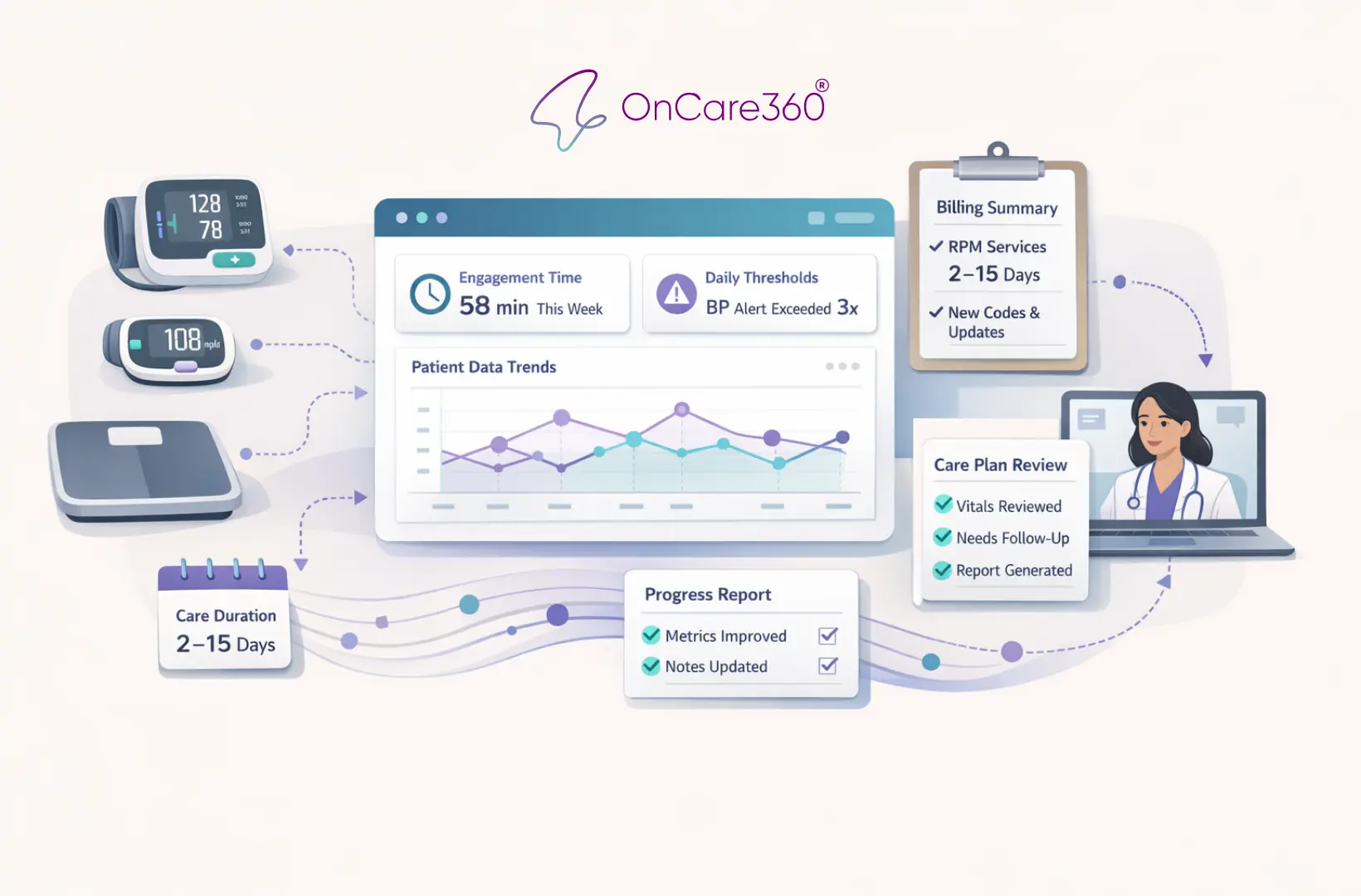
Jan 5, 2026
CMS Updates: How RPM is changing in 2026
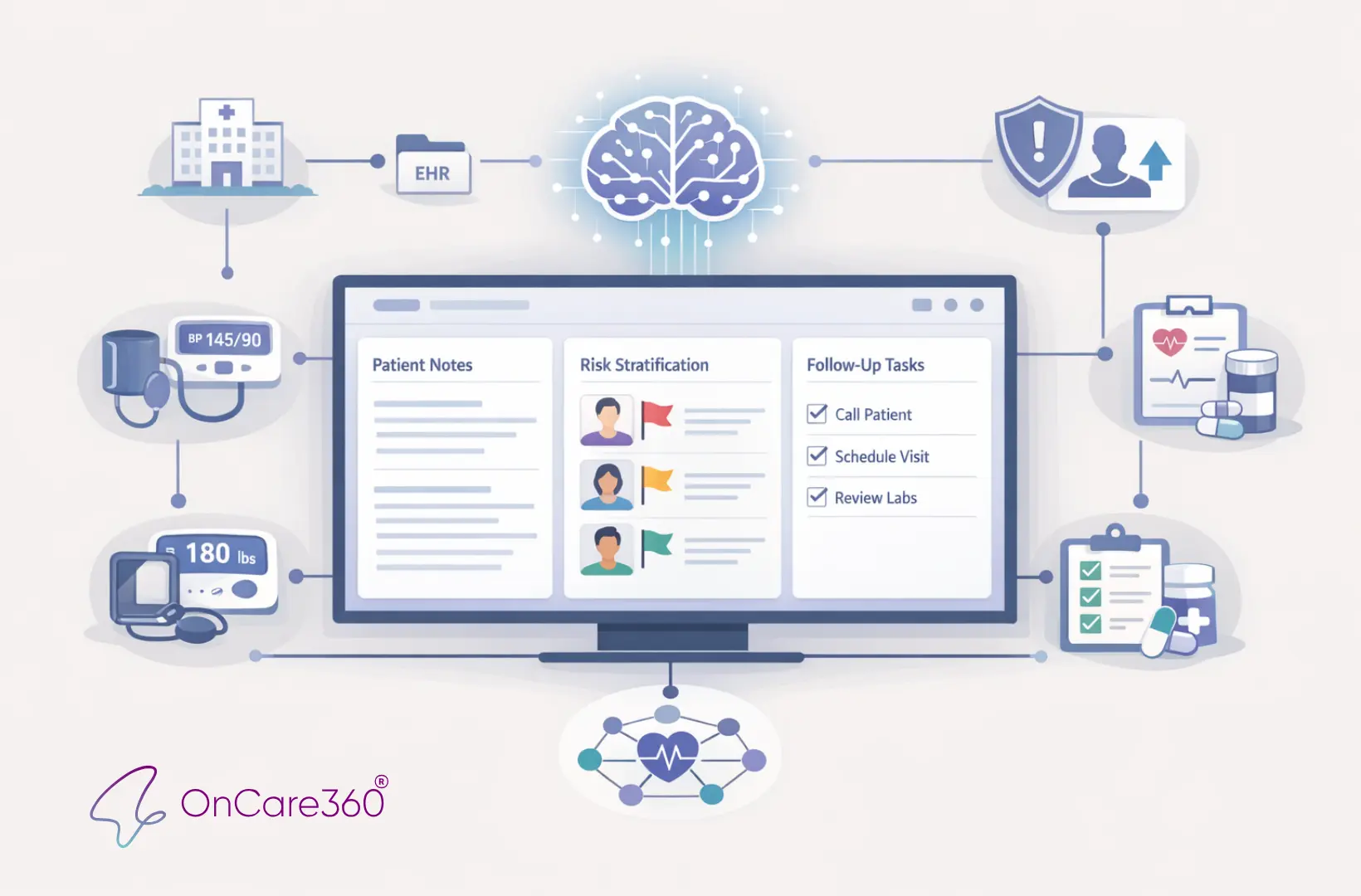
Jan 3, 2026
How AI Expands Care Coordinator Capacity
Jan 1, 2026
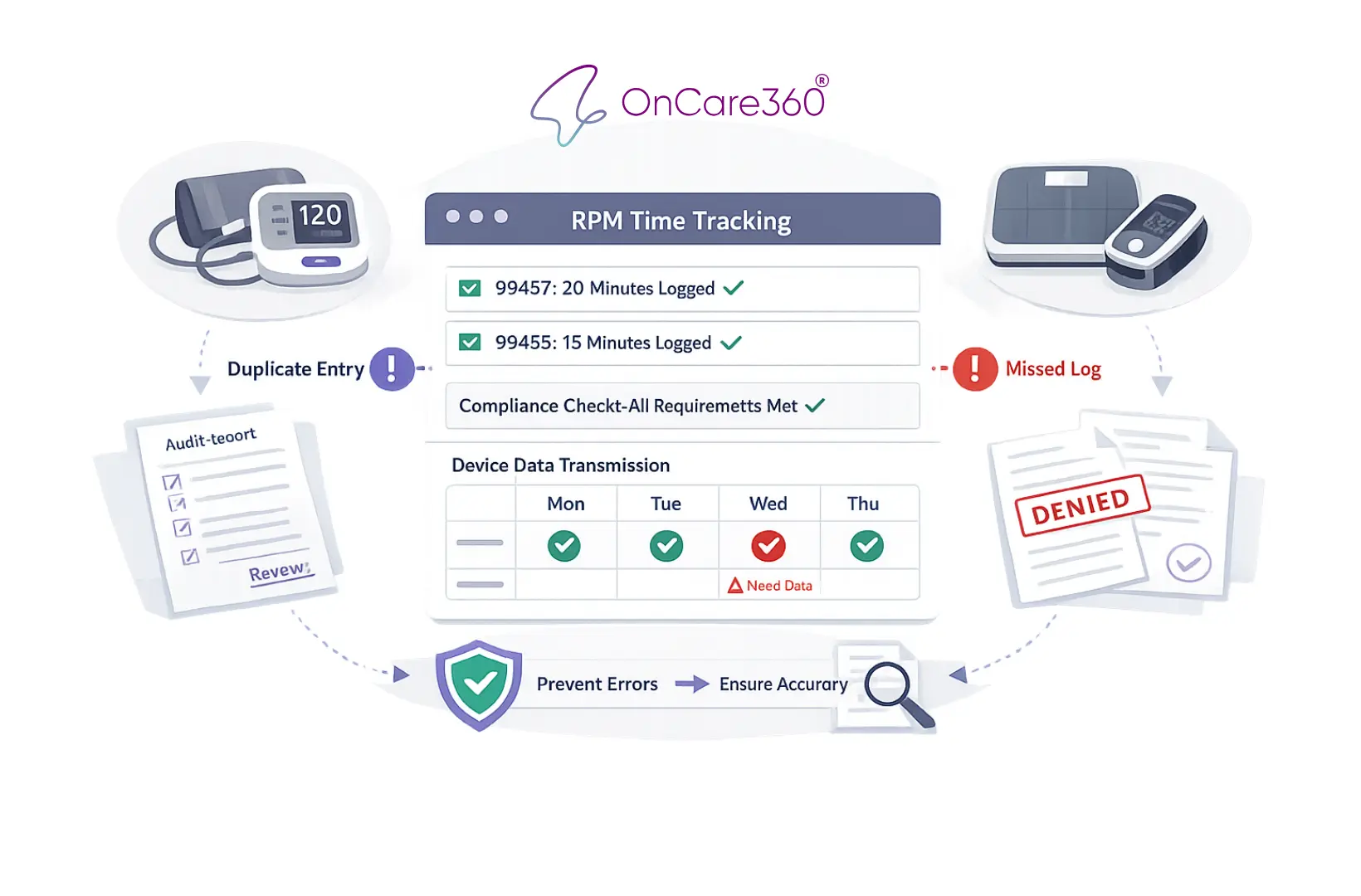
RPM Time Tracking Errors That Lead to Denials
Dec 31, 2025
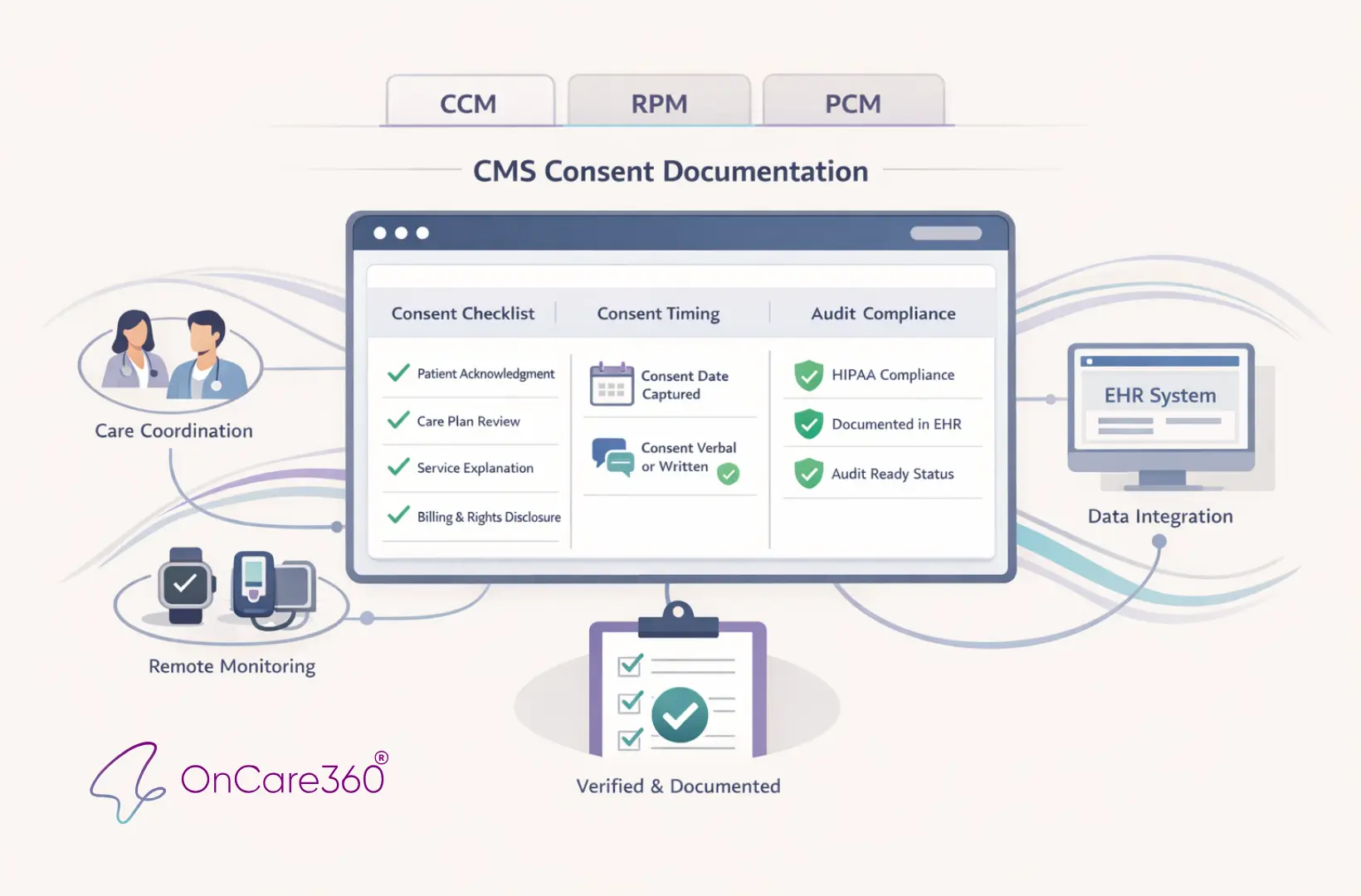
CMS Consent Documentation: What Must Be Captured
Jan 5, 2026
CMS Updates: How RPM is changing in 2026
Jan 3, 2026
How AI Expands Care Coordinator Capacity
Jan 1, 2026
RPM Time Tracking Errors That Lead to Denials
Dec 31, 2025
CMS Consent Documentation: What Must Be Captured
Dec 30, 2025
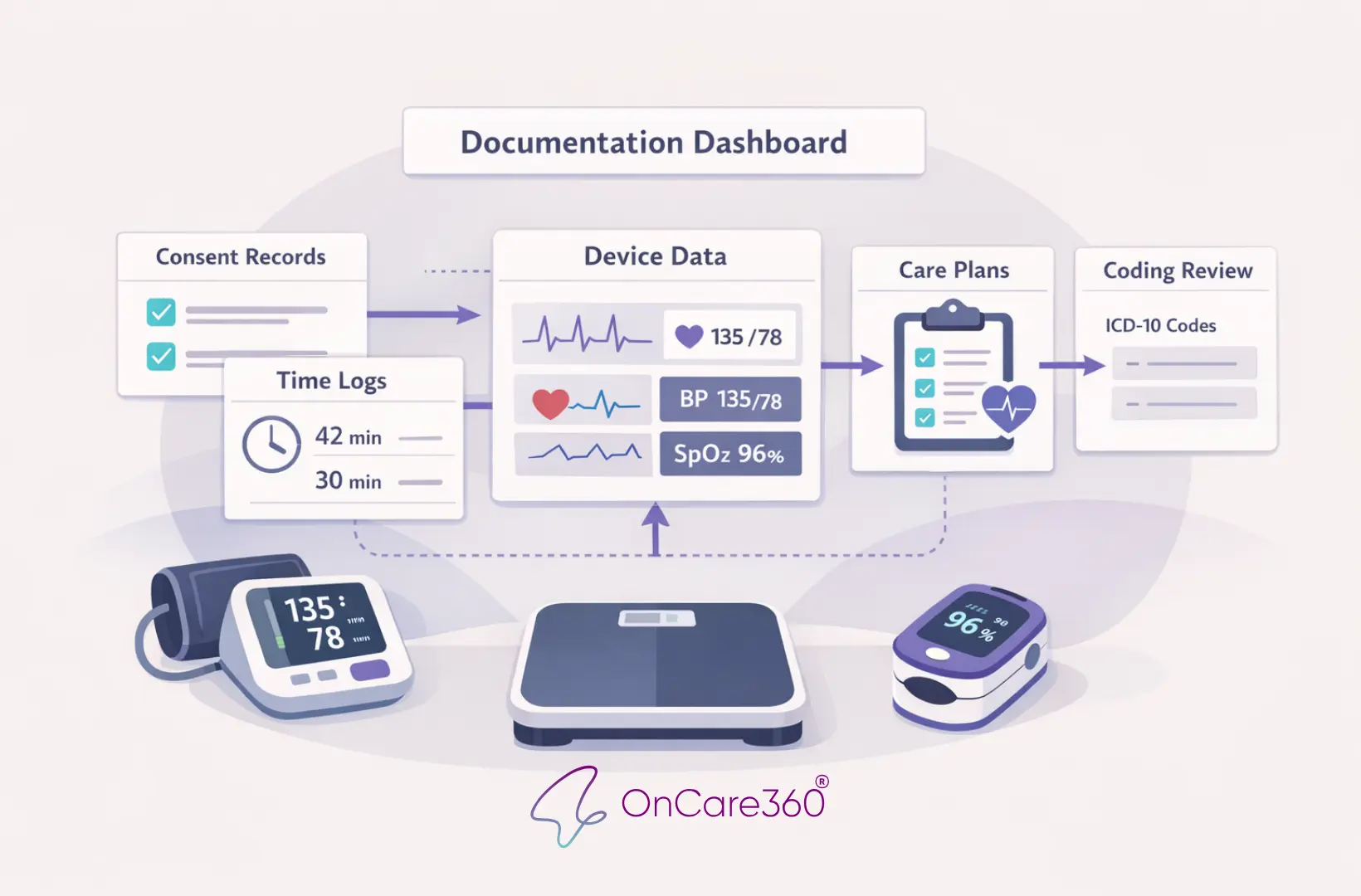
Top 10 Documentation Errors in CCM & RPM
Dec 29, 2025
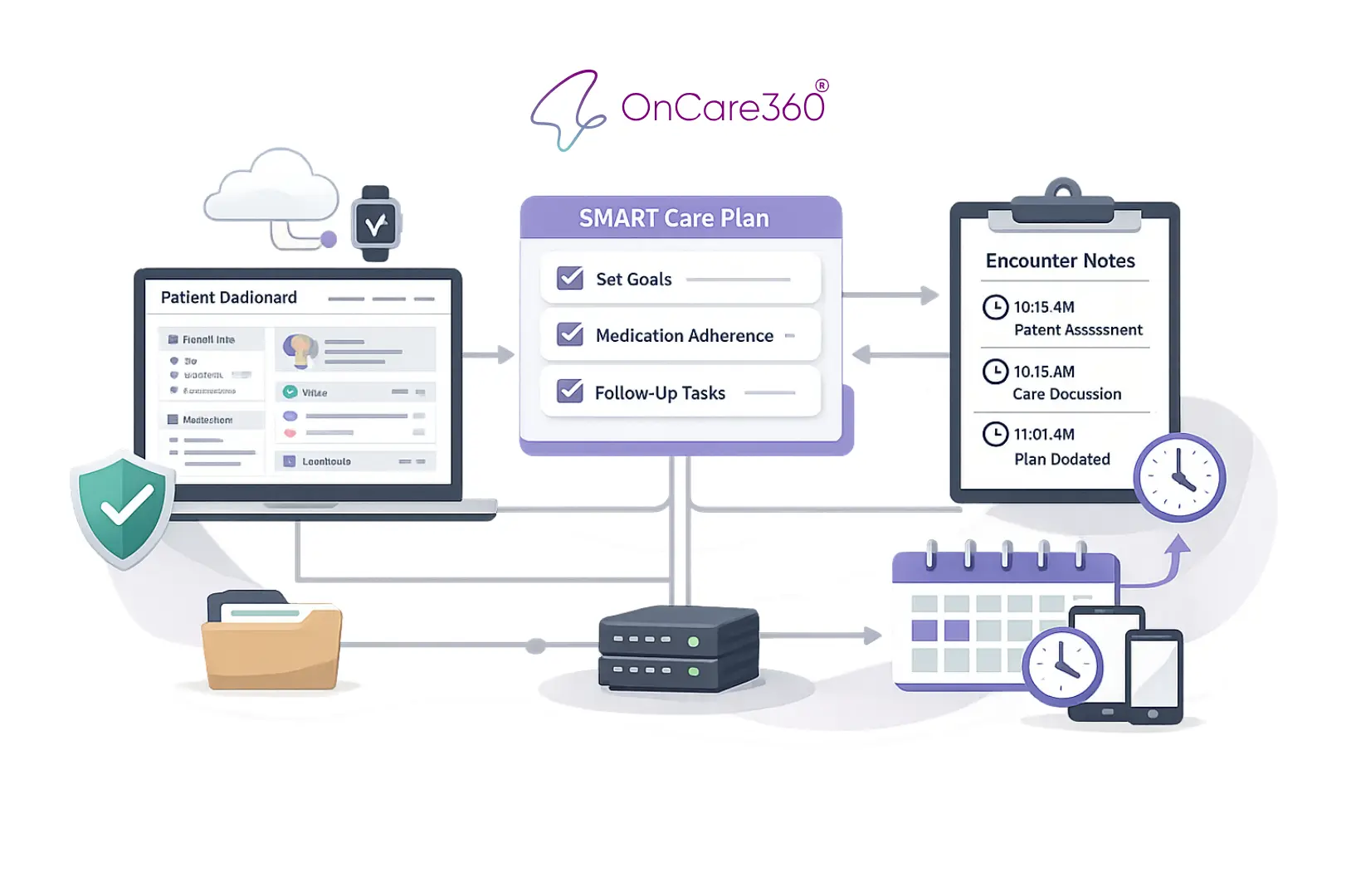
Audit-Ready Documentation: What CMS Expects
Jan 5, 2026
CMS Updates: How RPM is changing in 2026
Jan 3, 2026
How AI Expands Care Coordinator Capacity
Jan 1, 2026
RPM Time Tracking Errors That Lead to Denials
Dec 31, 2025
CMS Consent Documentation: What Must Be Captured
Dec 30, 2025
Top 10 Documentation Errors in CCM & RPM
Dec 29, 2025
Audit-Ready Documentation: What CMS Expects


Have questions?
Are you ready to explore the future of healthcare with OnCare360?
Contact us for more information or request a free consultation today.
Have questions?
Are you ready to explore the future of healthcare with OnCare360?
Contact us for more information or request a free consultation today.
Have questions?
Are you ready to explore the future of healthcare with OnCare360?
Contact us for more information or request a free consultation today.
Have questions?
Are you ready to explore the future of healthcare with OnCare360?
Contact us for more information or request a free consultation today.
Have questions?
Are you ready to explore the future of healthcare with OnCare360?
Contact us for more information or request a free consultation today.
Have questions?